

Practical articles on making equipment management easier, from stocktakes and loss prevention to AI.
 Efficiency
Gear that goes out in a case, like a camera with its lenses and batteries or a laptop with its charger, loses one piece at a time. This post covers how to define a set by specific units, how to split main units from accessories, and how to check the contents at booking, pickup and return, first with Excel and then with Werp™.
 Using Werp
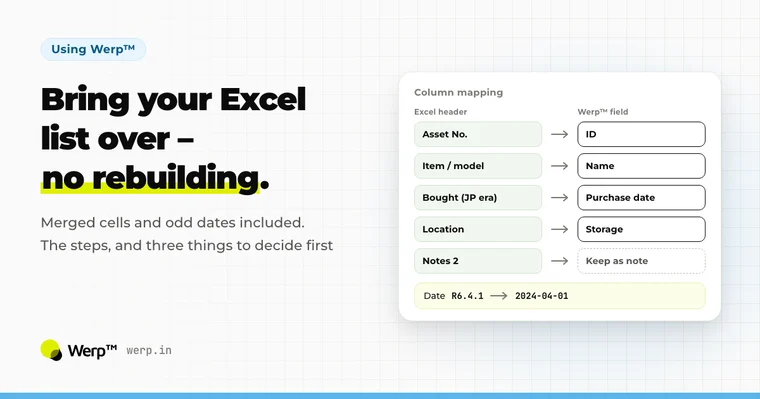
How to import an Excel equipment list into Werp™ without rebuilding it first, even with a title row, merged cells, and dates and prices written for people. It covers the 3 things to decide beforehand, how to read the column-matching and review screens, and photo fill-in and undo after the import, all on real screens.
 Efficiency
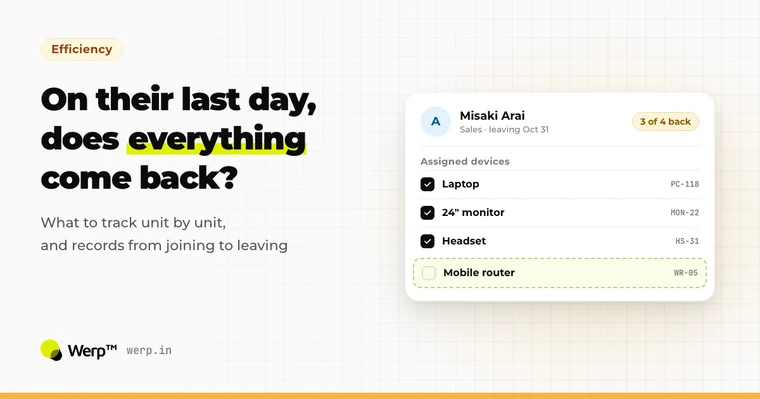
How far should you track company laptops and peripherals such as monitors, mobile hotspots and headsets one unit at a time? This guide covers drawing the line by whether a device is assigned to a person or leaves the office, keeping records from a hire's first day to their last, checking returns when someone leaves, how many spares to keep, and how the work splits with IT asset management software.
 Basics
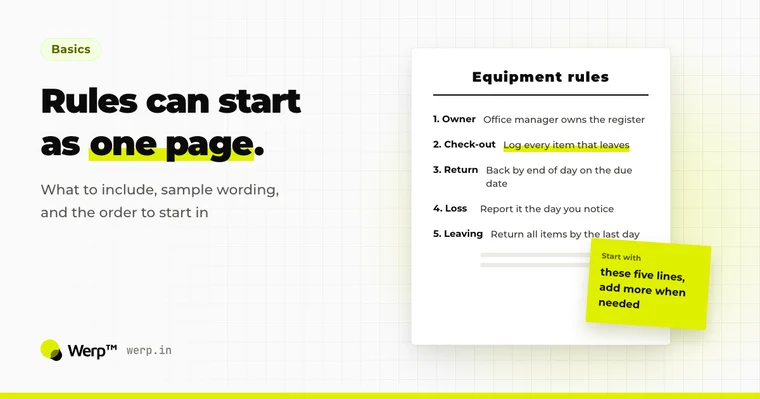
Your first equipment management rules can fit on a single page of bullet points. Decide first who is responsible and who rules on exceptions. This article then goes through lending and returns, personal items, loss and damage, disposal, sale and transfer, returns when people leave or change roles, and how often to run stocktakes, with what to decide and sample wording for each.
 Efficiency
Whether borrowed equipment comes back on time depends less on the borrower’s memory than on how the return date is set and when the reminder arrives. This guide covers setting return dates and times, the reminder the day before, following up on overdue items, handling extensions, and what to check when gear comes back, all from the point of view of the person in charge of equipment.
 Efficiency
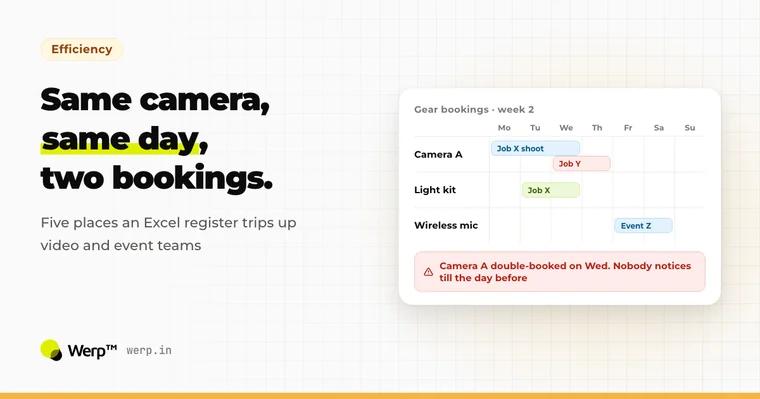
Manage production gear in Excel and the same problems keep showing up: double bookings you only find out about the day before, nobody quite sure who has what, and a register that can't be updated from the shoot. This article focuses on video, photo and event production: the five problems, the workarounds that help, and the limits that remain.
 Using Werp
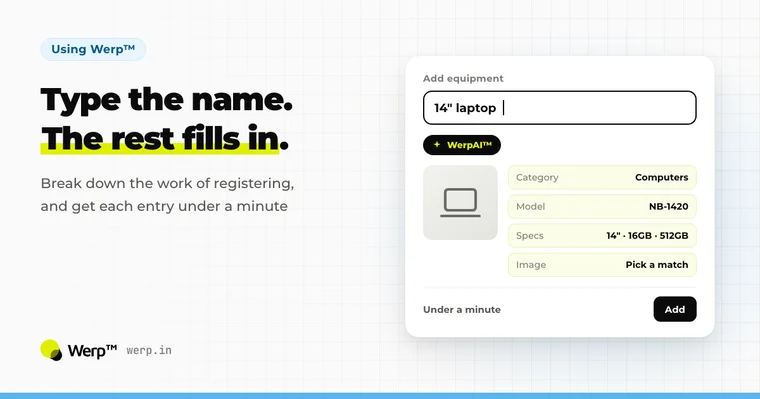
Equipment lists fall out of sync with reality because each entry takes too much effort. This article breaks down what goes into registering one item, then walks through four ways to speed it up (trimming input fields, templates, barcodes, and AI auto-fill), including where each one falls short.
 Using Werp
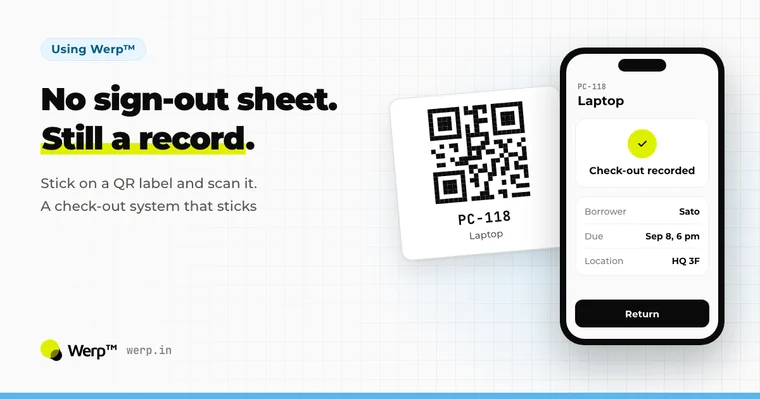
When paper sign-out sheets and verbal check-outs fall apart, it’s because recording a loan takes more effort than borrowing the item. This guide compares handwritten numbers, barcodes, QR codes and RFID, then walks through five steps to track check-outs and returns with QR labels, plus how to avoid the most common mistakes.
 Efficiency
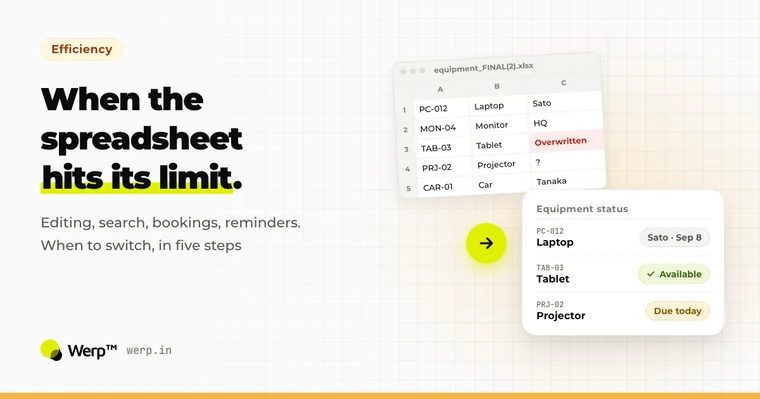
Starting your equipment management in Excel or Google Sheets is the right call. But spreadsheets eventually hit five limits: simultaneous editing, search, bookings, reminders, and updates from a phone. This guide covers how to stretch a spreadsheet further, the five steps to move to a dedicated system, and the data-migration traps to avoid.
 Efficiency
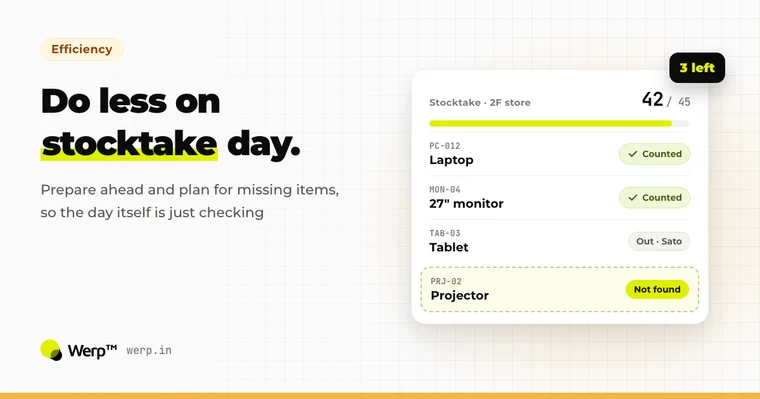
Does every stocktake eat a full day, and does the register still never match what’s on the shelves? The cause usually lies in how the process is set up, not in how well the person running it plans. Here are the basics, five concrete ways to speed things up, and which method suits which situation.
 Basics
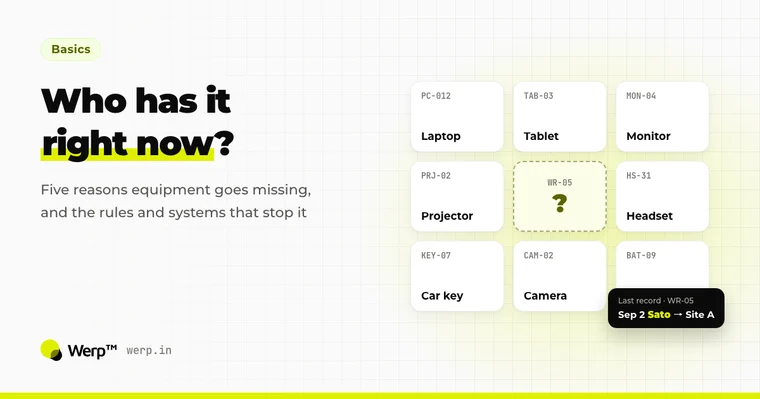
When equipment goes missing, the cause usually lies in how things are set up, not in someone’s carelessness. This guide covers the real costs of lost gear, from replacement spend to stalled work, the five typical causes, rules you can put in place today, and the systems that prevent loss through records, reminders, and stocktakes. It closes with a comparison of tracking methods.
 Basics
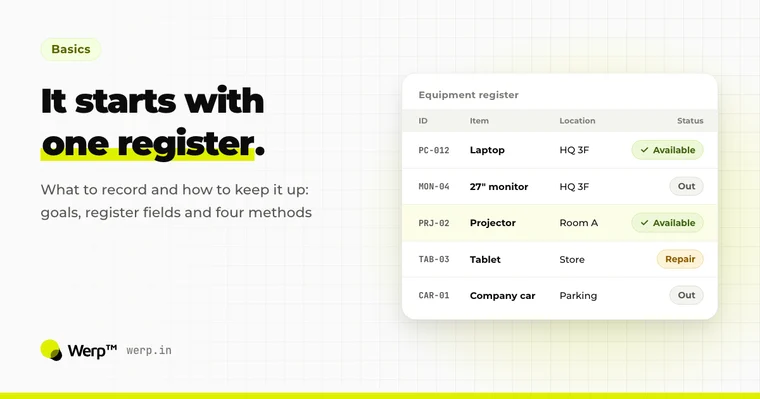
A practical primer: what equipment management is and how it differs from inventory and asset management, which fields your register needs, five problems that keep showing up, the pros and cons of four methods from paper and spreadsheets to dedicated systems, and six criteria for choosing a tool.
More articles are available in Japanese →
Set up in 5 minutes. The Free plan has no time limit and needs no credit card.