

Gear that goes out in a case, like a camera with its lenses and batteries or a laptop with its charger, loses one piece at a time. This post covers how to define a set by specific units, how to split main units from accessories, and how to check the contents at booking, pickup and return, first with Excel and then with Werp™.
You open the camera case after a shoot and one spare battery is gone. The whole case was lent out, so the checkout log only says “Camera case A”, and there is no way to tell when the battery went missing. Gear that is lent by the case tends to lose accessories like this, one at a time, and the gap usually comes to light when the next person opens the case.
The most direct fix is to define what is in each case as specific units, and to build a contents check into checkout and return. This post explains how to define the contents, how to split main units from accessories, and how to check them from booking to return, first with Excel and then with Werp™.
Lending gear by the case makes sense: it saves time when people take it out. The trouble is that the record is kept per case, while what goes missing is a single item inside it.
Each of these looks like someone not paying attention, but the cause lies elsewhere. There is no list of what belongs in the case, and no fixed moment when anyone checks it. With those two things in place, a missing item shows up at the moment of return, and it is clear who had it last.
You can write the contents as types and quantities (“1 mirrorless camera, 2 lenses, 3 batteries”) or as specific units (“Body #2, 24-70 lens #1, batteries B-04, B-05 and B-06”). When there is one physical case to check, the second is much easier to verify. A list of types and quantities can show that three batteries are there, but not whether they are the ones that belong in this case.
That means accessories need a number or label too. A sticker with a handwritten number is enough to start. If you use QR labels instead, you can move to checking contents by scanning later.
The list is easier to read when you separate the main units the set is built around from the accessories that go out with them. Main units are usually the expensive items that also get booked on their own. Accessories are things like batteries and cables that are of little use without the main unit.
| Set | Main units | Accessories |
|---|---|---|
| Camera kit (mirrorless) | Camera body | Lenses, spare batteries, charger, memory cards |
| Laptop set (travel or loan) | Laptop | USB-C charger, mouse, smartphone for tethering |
| Event radios | 4 radios | 2 chargers, earpiece mics |
| Presentation kit | Projector | HDMI cable, adapters, remote |
Leave consumables such as AA batteries and gaffer tape out of the set. They run down with use, so every return would show something as missing, and you would no longer be able to tell real losses from normal use. Keep them in a pocket of the case and name someone to refill it.
Put the set’s name on the case itself. Pick names that make sense when you are standing at the shelf, such as “Camera case A” or “Travel laptop set A”, so nobody has to guess which case a booking refers to. Keep a printed list of the contents inside the case as well, so whoever takes it out can check on the spot.
Next, decide at which points in the lending process someone looks at the list. Put those checks inside the process, so that when something goes missing you can tell when it happened.
Steps 3 and 4 are what matter. Even if you accept a case that is short, do not mark the missing items as returned. If the whole case is marked returned, the lost battery disappears from the record as something nobody has, and you lose your best lead for finding it. Keeping it checked out has another benefit: once the due date passes, it becomes overdue and the usual reminders apply.
The reason to check at booking is that people sometimes take just a battery from another case for a rushed job. If that is recorded as a booking, whoever books the case knows in advance that it will be one battery short for those dates.
In Excel, the easiest layout is a register with one row per unit and an extra column for the set. It is tempting to log checkouts per case, but to check returns you need a return column for each item in the case.
This costs nothing, and you can change the columns however you like. On the other hand, checking at booking time whether part of a set is already in use means filtering the checkout log by hand, and the pickup and return checks rely on a paper checklist. Excel holds up when you have only a few sets and one person who hands out and takes back equipment. Where borrowers help themselves, the checks are easy to skip.
We offer a free Excel template (in Japanese) in which the checkout log fills in each item’s status in the register automatically.See how to build a checkout sheet, with a templateIn Werp™, you register the gear in a case as a set and handle it as one case from booking to return. The contents are specific units, each marked as a main unit or an accessory.
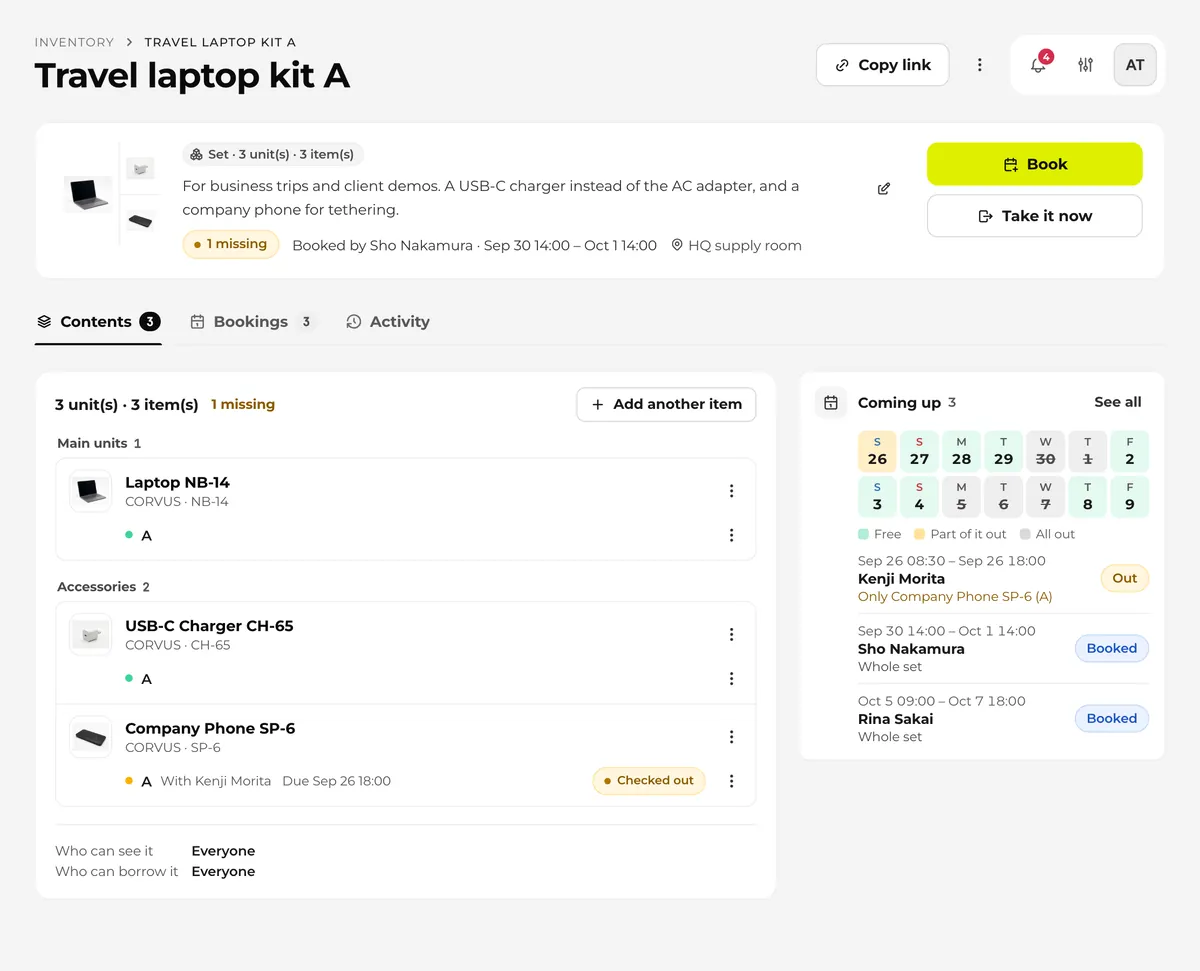
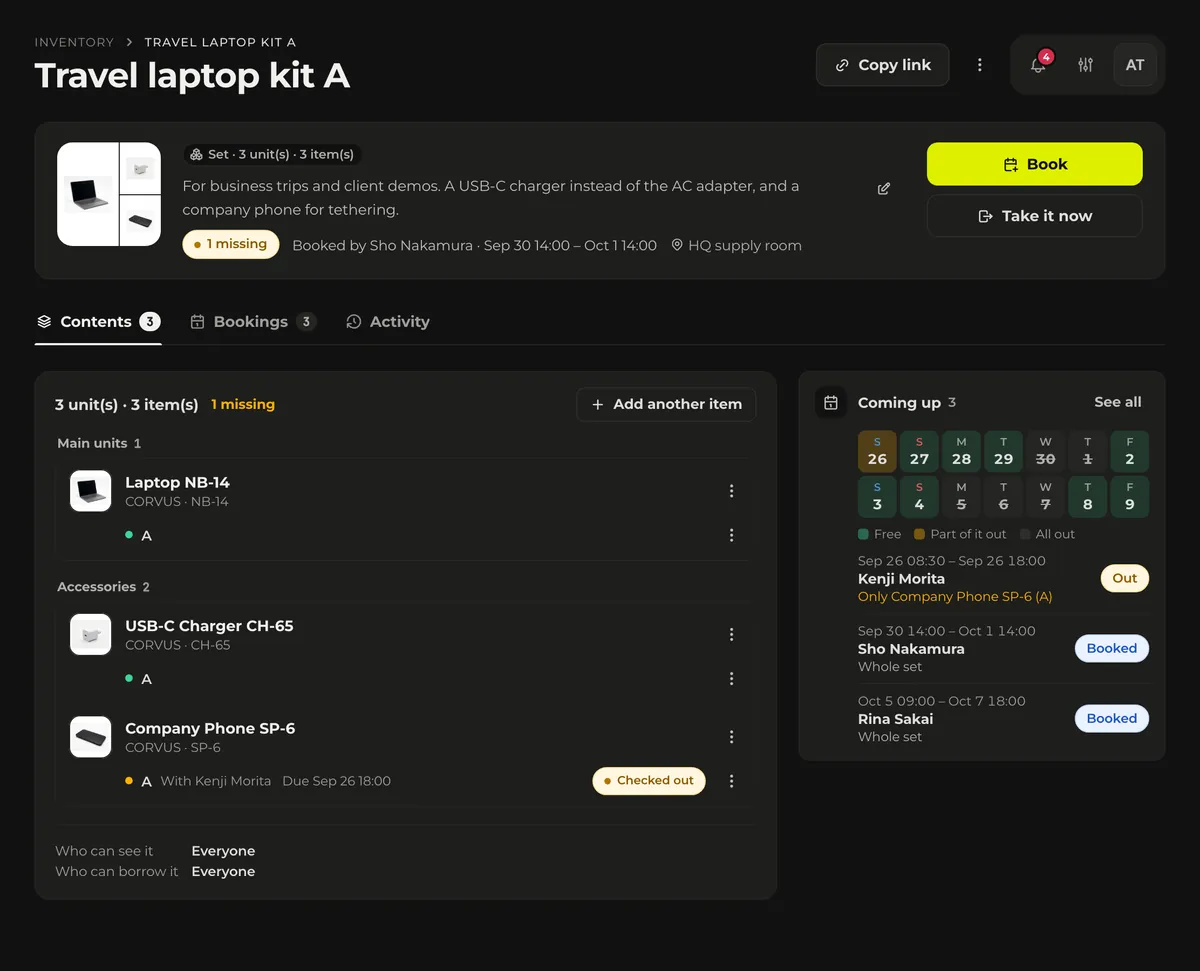
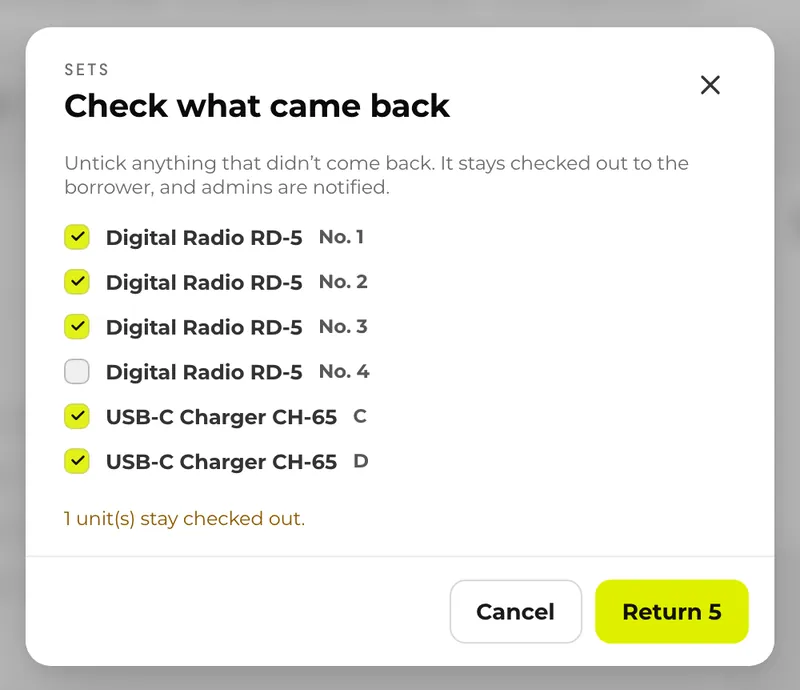
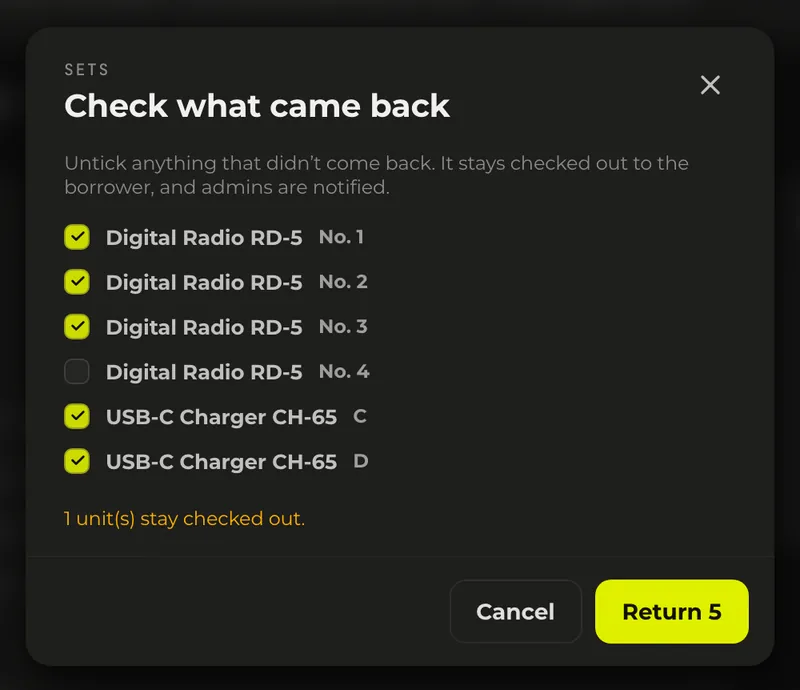
Units that don’t come back stay checked out to the borrower, and return reminders and overdue notifications continue as usual. Admins get a notification that the set was returned incomplete, with the set’s name, how many units are missing and who borrowed it. Missing units are never marked “Lost” automatically. If a unit can’t be found, someone changes its status.
Units in a set can still be booked on their own. This keeps habits like taking only the batteries possible, and while that happens, the set’s page shows which unit is out on its own.
How to create a set, how to choose main units and accessories, and who can see and borrow a set are covered in the documentation.Read the sets documentationGear lent by the case goes missing because there is no list of the contents and no moment when anyone checks it. Define each set as specific units, split main units from accessories, and compare the contents with the list at pickup and return. Never mark missing items as returned; keep them checked out to the borrower and follow up. A good first step is to pick the case that goes out most often and write its contents list.
 Efficiency
Manage production gear in Excel and the same problems keep showing up: double bookings you only find out about the day before, nobody quite sure who has what, and a register that can't be updated from the shoot. This article focuses on video, photo and event production: the five problems, the workarounds that help, and the limits that remain.
 Efficiency
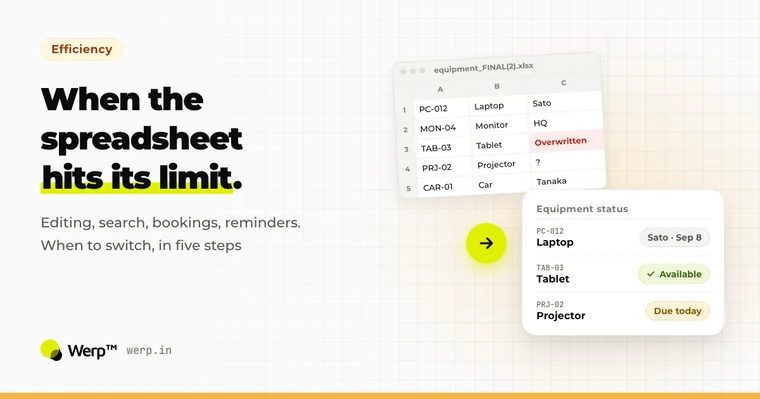
Starting your equipment management in Excel or Google Sheets is the right call. But spreadsheets eventually hit five limits: simultaneous editing, search, bookings, reminders, and updates from a phone. This guide covers how to stretch a spreadsheet further, the five steps to move to a dedicated system, and the data-migration traps to avoid.
 Efficiency
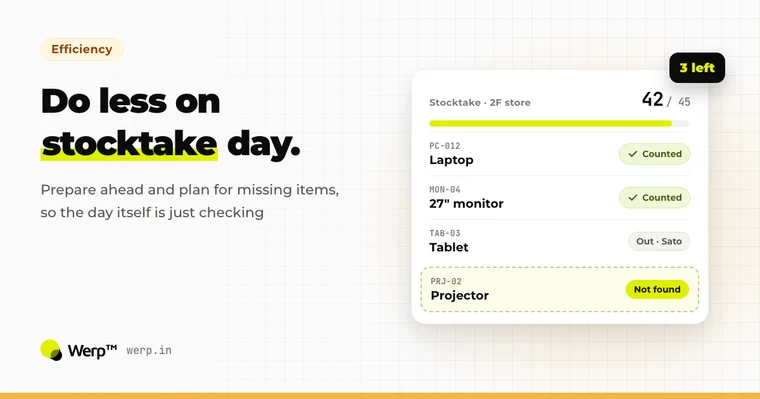
Does every stocktake eat a full day, and does the register still never match what’s on the shelves? The cause usually lies in how the process is set up, not in how well the person running it plans. Here are the basics, five concrete ways to speed things up, and which method suits which situation.
Set up in 5 minutes. The Free plan has no time limit and needs no credit card.