
No one knows where the camera is
Three hours before the shoot. You text the group chat: 'Who has the camera?' No reply yet.

Know who has what and when it comes back, without asking around. A booking holds the dates ahead; a check-out records when the gear actually leaves, and you record it from the screen that opens when you scan the gear's QR label. Keeping both means the ledger matches the shelf.
WerpAI™ fills in model, specs, and image automatically. Adding new gear takes 10 seconds.
Free plan with no time limit · No credit card · Sign-up takes about a minute
Three hours before the shoot. You text the group chat: 'Who has the camera?' No reply yet.
Another team needed the same lens today. The shared spreadsheet hadn't been updated in two weeks.
You lent out an ND filter six months ago. Nobody remembers who has it.
Five minutes before the meeting, the HDMI adapter isn't in the room. You ask on Slack. No reply.
Sales and recruiting both took Room A for the same slot. The shared booking sheet hadn't been touched since last week.
Someone left six months ago. There is no record of their laptop being collected, and nobody knows where it is.
The day before load-in, the display monitor isn't in the storeroom. You ask in the chat. No one answers.
The Tokyo and Osaka events both claimed the same PA set. The booking sheet hadn't been updated in two weeks.
The box is back from the last event and half the extension cords are gone. Nobody knows who took them home.
This isn't poor management. It's the absence of a system.
Werp™ fixes it, starting today.
No one knows where the camera is
Scan the QR label when you take something. Who has it and when it's due back shows up on everyone's screen.
Learn moreDouble-booked equipment
Book by date and everyone sees the same availability. Werp™ won't accept a booking that overlaps.
Learn moreGear that never came back
Every loan records who has it and when it's due. Past the date, Werp™ emails the borrower automatically.
Learn moreNo one knows where the adapter is
Scan the QR label when you take something. Who has it and which room it's in shows up on everyone's screen.
Learn moreMeeting rooms get double-booked
Rooms are booked just like equipment, and sync with Google Calendar. Werp™ won't accept a booking that overlaps.
Learn moreA leaver's laptop never came back
Each laptop keeps its owner, so onboarding, repairs and offboarding land in the history. Past the due date, Werp™ emails the holder automatically.
Learn moreNo one knows where the monitor is
Scan the QR code when it leaves the storeroom. Who has it and when it's due back shows up on everyone's screen.
Learn moreTwo events, one set of gear
Book a whole set of gear against the event date. Werp™ won't accept a booking that overlaps.
Learn moreThe kit comes back short
Scan everything in stocktake mode when you pack up. You see what's missing on the spot, and who had it last.
Learn moreThree problems. One tool.
Equipment tracking lives or dies on whether people keep entering things. So Werp™ is built to be used without training — and left open all day.


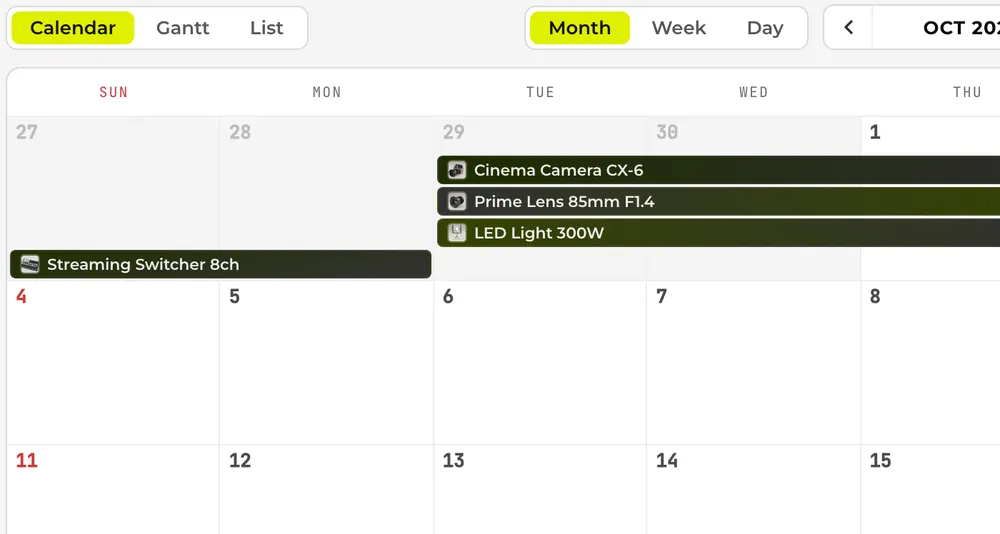
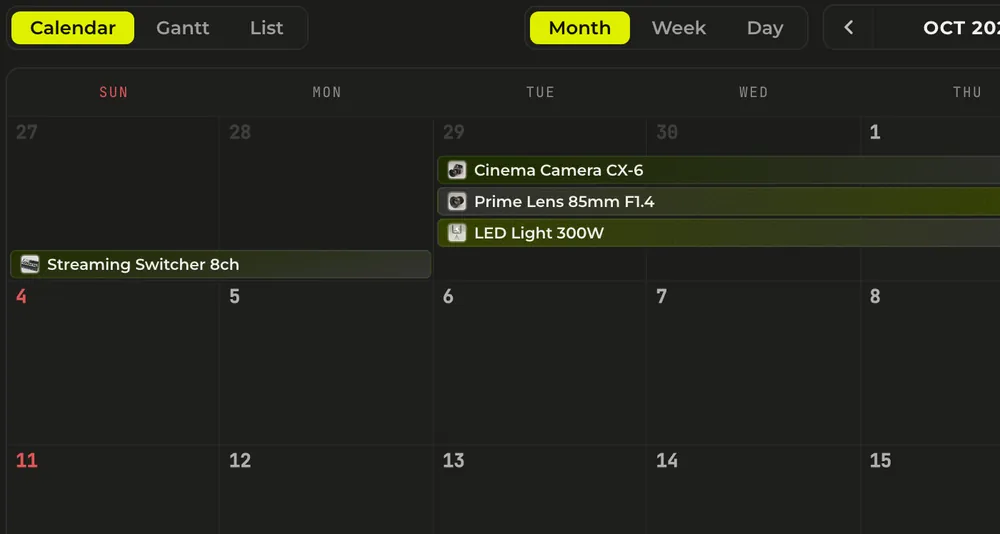
Who has what, and when. Month, week, day and Gantt views of the same bookings.
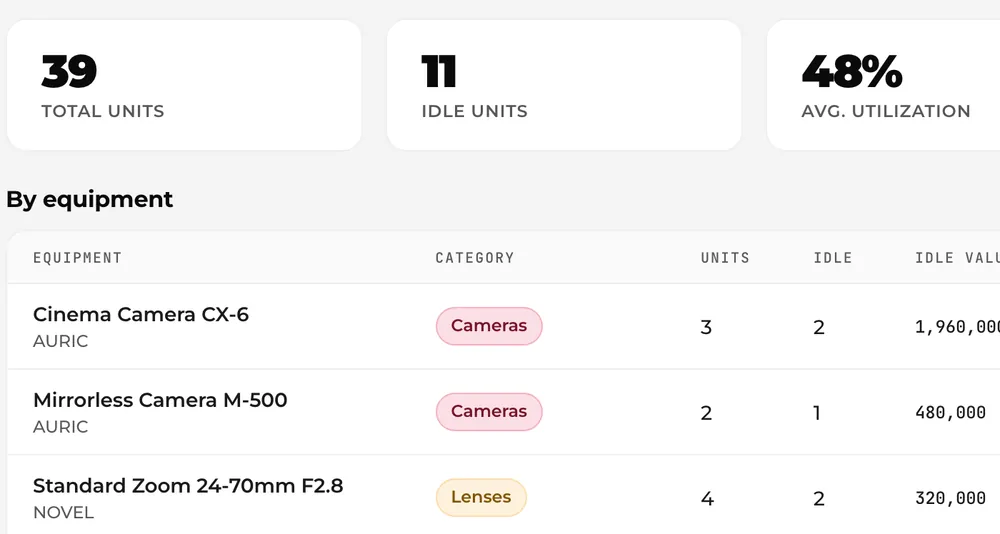
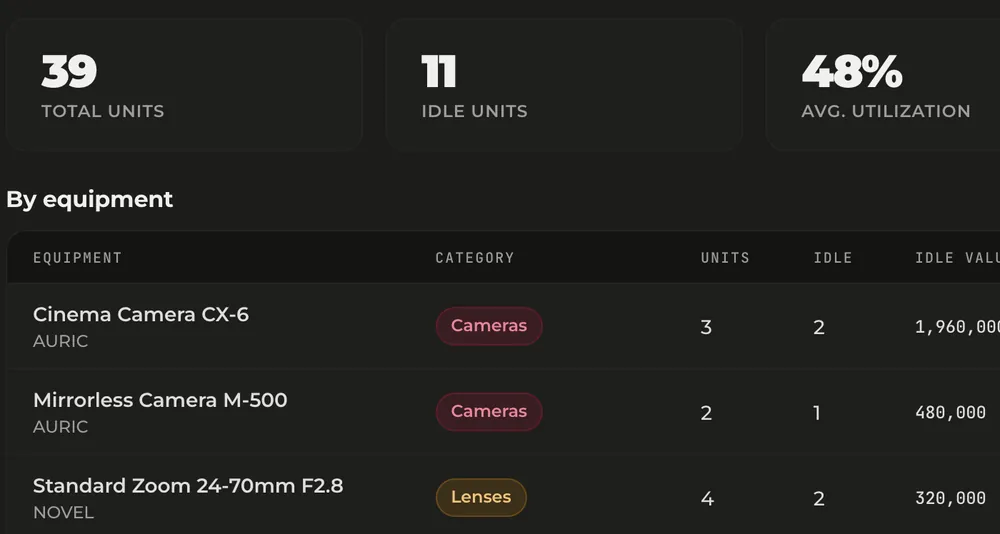
Which gear sits unused, and what it cost. Enough to decide what to sell, retire or buy more of.
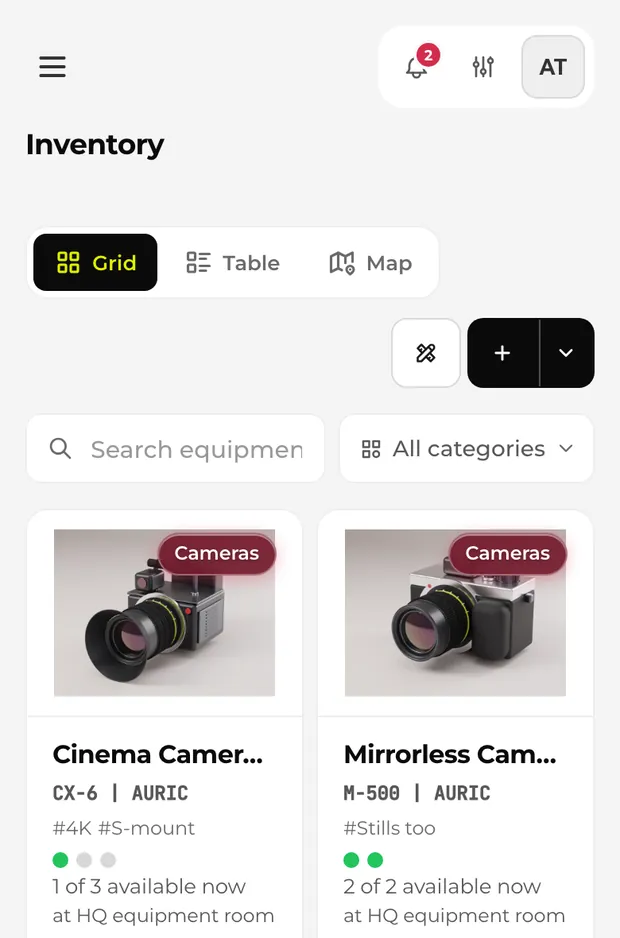
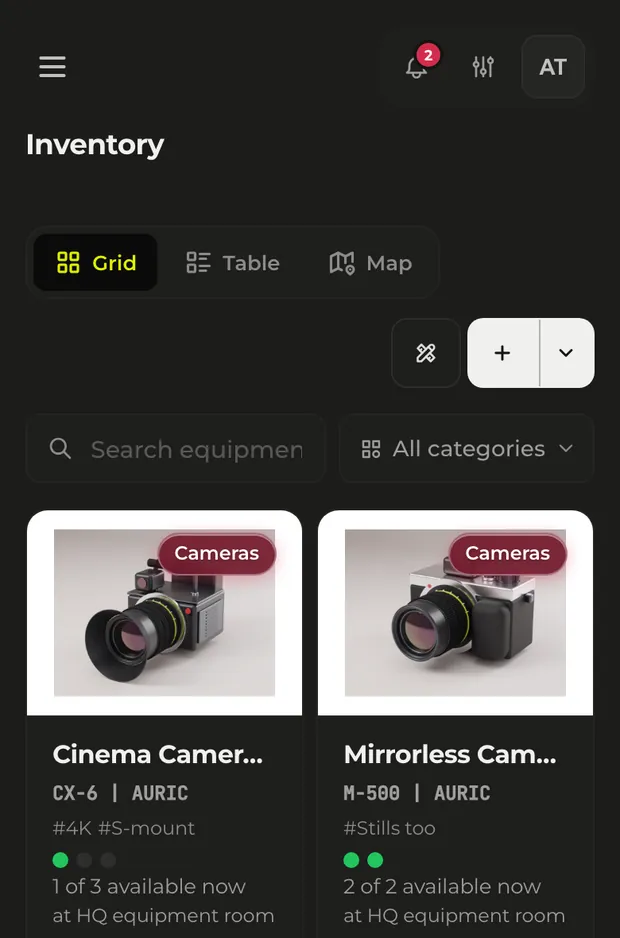
On site you have one hand free. On narrow screens the create button becomes an icon and the rest folds into a menu.
Product names, people and numbers shown on these screens are fictional demo data.
Type a name, pick a match — name, model, and image fill in automatically.
Free plan available · No credit card required · 5-minute setup
Connect Werp™ to the calendar your team already uses. Equipment bookings appear alongside meetings.
Werp™ bookings show up next to your meetings
Google events come in, and overlapping bookings are blocked
Register every body, lens and accessory. Book by shoot date, then check gear out and back in from the screen that opens when you scan its QR label. Crew members' own gear can live in the same list.
Booking · QR labels · Stocktake
Read the Aoba Pictures scenarioCompany laptops are registered with an owner, so onboarding, repairs and offboarding all land in the history. Rooms and desks are bookable from Google Calendar.
Owners · Booking · Return reminders
Read the Relayce scenarioBook the whole booth kit in one go, count it in stocktake mode before load-out, and see what's missing when it comes back.
Group booking · Kiosk · Stocktake
See booking & lendingYou don't have to rebuild your columns or reorder them to fit Werp™. It matches columns to their targets from the headers and shows you the result row by row before anything is imported.
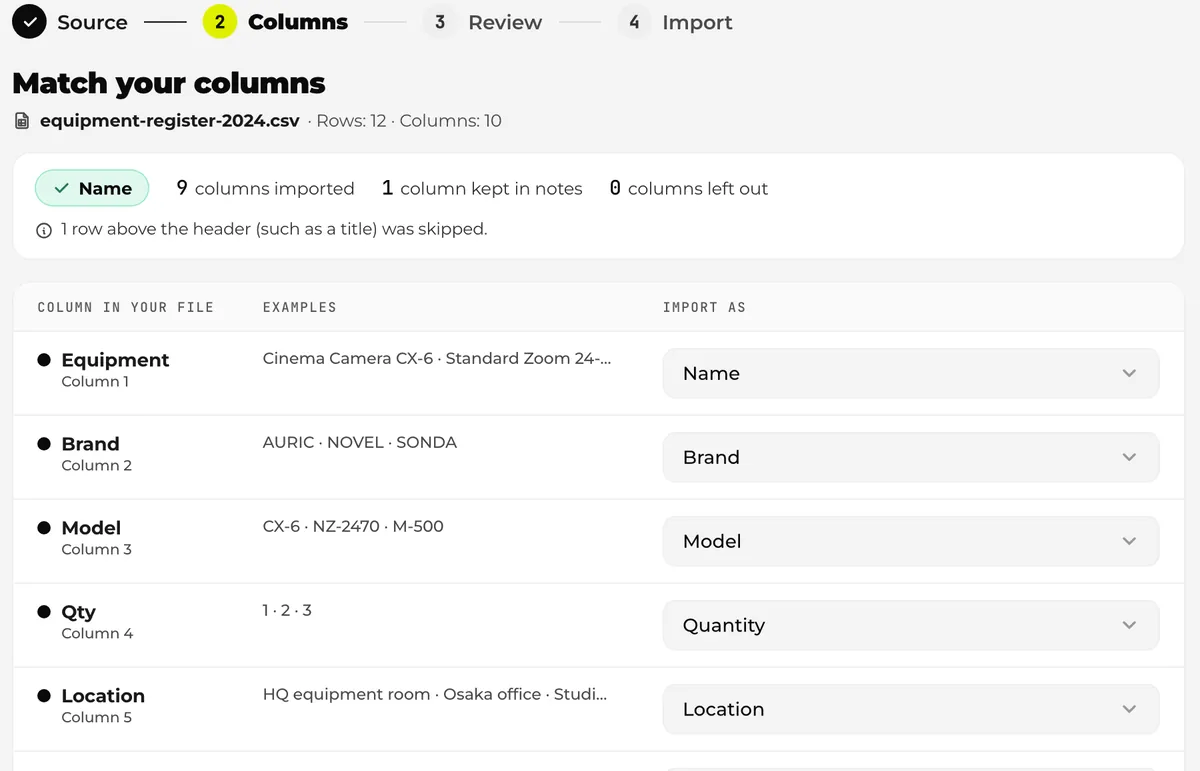
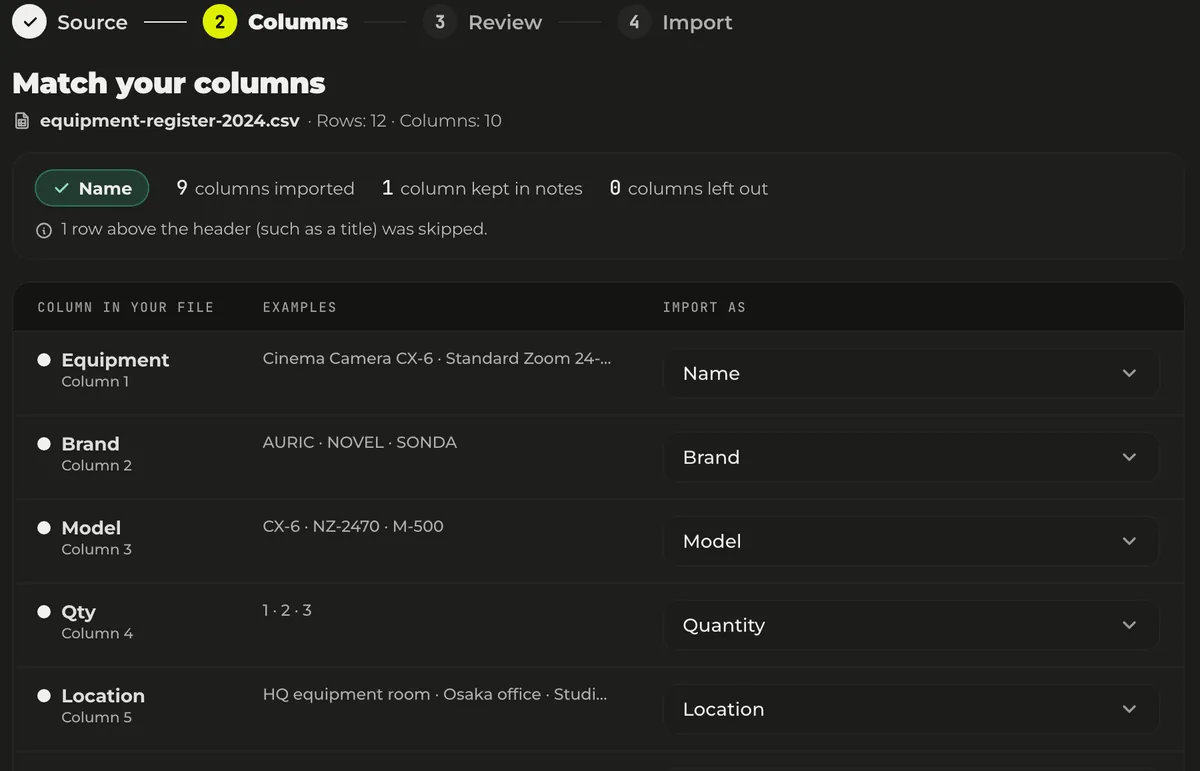
Three steps from sign-up to day-to-day use.
Sign up with just an email address. No credit card required.
Import your current spreadsheet (Excel or CSV) to add everything at once. For new gear, type a product name and WerpAI™ fills in the model, specs and image.
Print a QR label for each unit and stick it on, then invite your team by email. From that day, everyone can log check-outs and returns from their phone.
Free plan with no time limit · No credit card · Sign-up takes about a minute
Three fictional but true-to-life walk-throughs, written like customer stories, so you can see your own team in one.
A 24-person production house runs its whole gear room on Werp™, including the personal gear its DPs and editors bring in.
Read the storyA three-person video team started on the Free plan, recovered ¥400K of 'lost' gear at its first stocktake, and moved to Starter as it grew to six.
Read the storyA 25-person SaaS company with no dedicated IT put its laptop register, chargers and adapters, and meeting-room and desk booking on a single Werp™ workspace.
Read the storyNo setup fees. Upgrade, downgrade, or cancel anytime (to move to a smaller plan, your workspace must fit within its limits). All prices are in Japanese yen (JPY). For customers in Japan, prices include Japanese consumption tax.
Practical guides on managing shared equipment — from ledgers to stocktakes.
When equipment goes missing, the cause usually lies in how things are set up, not in someone’s carelessness. This guide covers the real costs of lost gear, from replacement spend to stalled work, the five typical causes, rules you can put in place today, and the systems that prevent loss through records, reminders, and stocktakes. It closes with a comparison of tracking methods.
EfficiencyDoes every stocktake eat a full day, and does the register still never match what’s on the shelves? The cause usually lies in how the process is set up, not in how well the person running it plans. Here are the basics, five concrete ways to speed things up, and which method suits which situation.
Using WerpEquipment lists fall out of sync with reality because each entry takes too much effort. This article breaks down what goes into registering one item, then walks through four ways to speed it up (trimming input fields, templates, barcodes, and AI auto-fill), including where each one falls short.
Takes 5 minutes to set up. The Free plan has no time limit and needs no credit card.