

The bell and the notifications screen
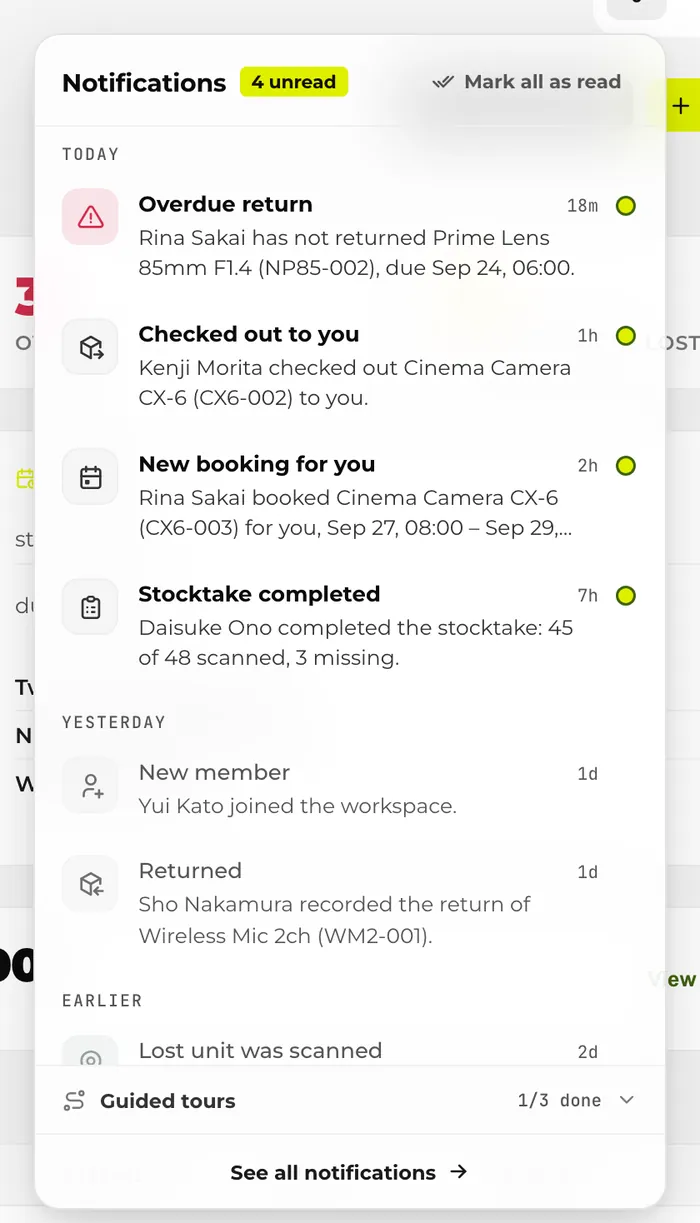
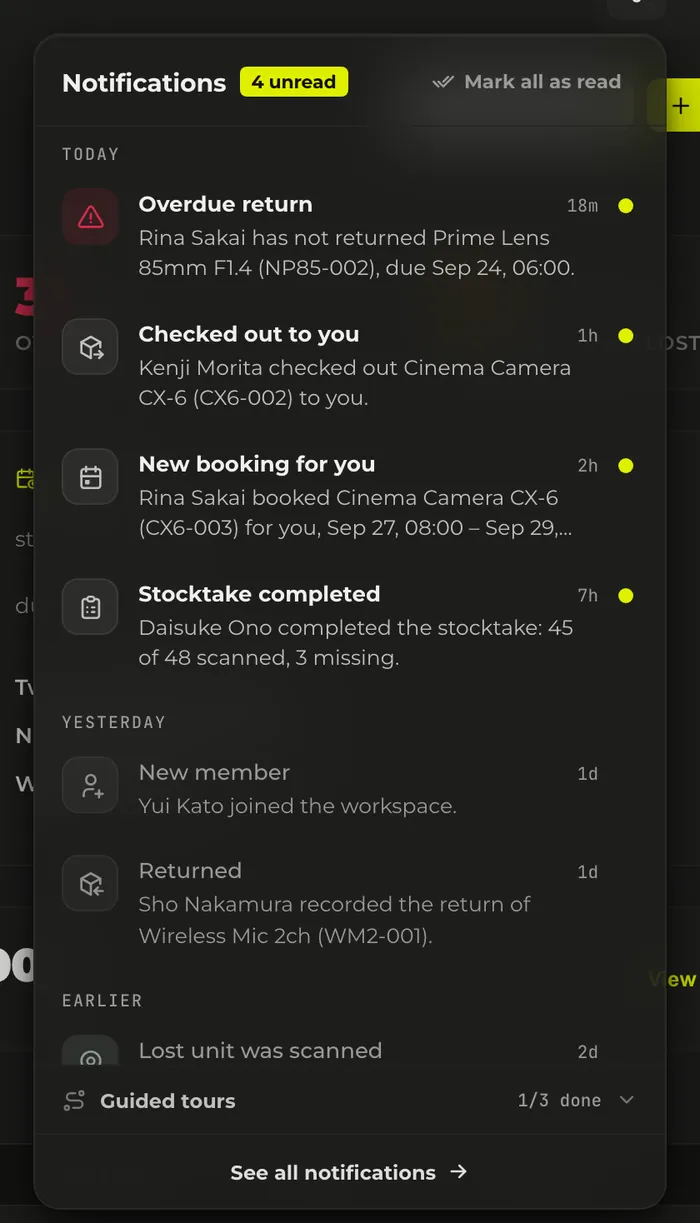
The bell at the top right shows the number of unread notifications (“9+” from 10 up). Pressing it opens up to 20 notifications, newest first, grouped under “Today”, “Yesterday” and “Earlier”. “See all notifications” at the bottom takes you to the notifications screen.
On the notifications screen you can switch between “All” and “Unread”, and “Load more” brings in older ones. Pressing a notification takes you to the related booking, item, stocktake or member page. The “Guided tours” section inside the bell isn't counted in the unread number.
When new notifications appear
- While the app is open, the unread count is checked about every 3 minutes. It isn't checked while the browser tab is hidden.
- It's also checked when you come back to the screen from another tab or app.
- Opening the bell reloads the list and the unread count at that moment.
Types of notifications and who gets them
Notifications are created by the actions and events below. Even someone listed under “Who receives it” won't get one if a condition in the next section applies.
| Notification | Who receives it | Trigger | Setting category |
|---|---|---|---|
| “New booking for you” | The borrower | When someone else creates a booking with you as the borrower. Also when the borrower of a booking is changed to you. A booking made for several items at once produces a single notification. | “Booking activity” |
| “Your booking was changed” | The borrower | When someone else changes the date and time or the unit of your booking. When the borrower is changed to someone else, the notification goes to the borrower before the change. | “Booking activity” |
| “Booking cancelled” | The borrower | When someone else cancels or deletes your booking. | “Booking activity” |
| “Checked out to you” | The borrower | When someone else records a check-out (pickup) to you. | “Booking activity” |
| “Returned” | The previous borrower | When someone else records the return of equipment you borrowed. | “Booking activity” |
| “Return due soon” | The borrower | When less than 24 hours remain before the return deadline of a checked-out booking. Once per booking. | “Return reminders” |
| “Return overdue” | The borrower | When the return deadline passes while the item is still checked out. Once per booking; it doesn't repeat. | “Return reminders” |
| “Overdue return” | All admins | When the return deadline passes while the item is still checked out. It is sent even if the borrower is an admin. | “Workspace updates” |
| “Unit marked as lost” | Admins other than the person who did it | When a unit's status is changed to “Lost” one unit at a time. It is not sent when statuses are fixed in bulk through Excel/CSV. | “Workspace updates” |
| “Lost unit was scanned” | All admins | When someone who isn't signed in (for example, the person who found it) scans the QR code of a unit marked “Lost”. At most once a day for the same unit. | “Workspace updates” |
| “Stocktake started” | Everyone except the person who did it (admins included) | When an admin starts a stocktake. | “Workspace updates” |
| “Stocktake completed” | Everyone except the person who did it (admins included) | When an admin completes a stocktake. It is not sent when the stocktake is cancelled. | “Workspace updates” |
| “New member” | Admins other than the person who joined | When a new member joins from an invitation. | “Workspace updates” |
| “Your role was changed” | The person whose role was changed | When an admin changes your role. | None (always delivered) |
The item names and people's names in a notification are as they were when the notification was created. If an item is renamed later, notifications you already received don't change.
When you won't get a notification
Even someone listed under “Who receives it” in the table doesn't get a notification in these cases.
- When you did it yourself. If you create, change or return your own booking, you aren't notified.
- When a booking is extended at a kiosk, or when “End now” is pressed. No notification arrives even for your own booking made in Werp™.
- Bookings imported from Google Calendar and kiosk guest bookings. The borrower isn't a member, so there is nobody to notify.
- Members who have left the workspace.
- Members who can't see the item because of its visibility setting. Booking and return-deadline notifications go only to people who can see the item. Admins can see every item, so this condition doesn't apply to them.
- People who have turned that category off in their notification settings.
Notification settings
Under “Notification settings” on the notifications screen you can turn each of the three categories on or off. A switch saves as soon as you press it, and everything starts out on. On narrow screens such as phones, the settings are collapsed above the list.
| Setting category | Notifications included |
|---|---|
| “Booking activity” | New bookings, booking changes, cancellations, check-outs and returns, when someone else recorded them on your behalf. |
| “Return reminders” | A return deadline is coming up, or has passed. |
| “Workspace updates” | Overdue returns, lost units, scans of lost units, stocktakes starting and completing, and new members. |
- Settings are per workspace. If you belong to several workspaces, set them in each one.
- Events that happen while a category is off don't become notifications later, even if you turn it back on.
- “Your role was changed” belongs to no category and is always delivered.
Marking as read
- Pressing a notification marks it as read and takes you to the related page.
- The dot at the right end of an unread notification marks it as read without leaving the page.
- “Mark all as read” marks all unread notifications at once. It is in the bell and on the notifications screen.
How long notifications are kept
Notifications are deleted automatically 90 days after they're created. When you reach the end of the list, it says “That's everything from the last 90 days.” When a booking is deleted, the notifications about it go with it. Even after a notification is gone, the booking and item records themselves remain.